12 Best AI Study Tool Options for 2025 (Reviewed & Compared)
Find the best AI study tool for your needs. We review 12 top AI helpers for homework, test prep, and writing to help you study smarter in 2025.

The way we study is changing. Balancing classes, assignments, and test prep is a constant challenge, and traditional methods aren't always enough. AI study tools have emerged as powerful allies, offering instant help, personalized feedback, and efficient ways to tackle everything from complex calculus problems to dense textbook chapters. But with so many options available, how do you find the best ai study tool for your specific needs?
This guide cuts through the noise. We'll break down the top 12 AI study tools of 2025, comparing their features, strengths, and ideal use cases. We provide a detailed, comparative roundup with feature-by-feature breakdowns, target user recommendations, and pricing analysis to give you a clear picture of what each platform offers. Each option includes screenshots and direct links, so you can see them in action. Beyond choosing the right AI partner, understanding and avoiding common study mistakes can significantly enhance your learning journey.
Whether you're a high school student struggling with physics, a college student writing a research paper, or someone prepping for a major exam, this detailed comparison will help you choose the right digital companion. Our goal is to help you find the best AI study tool to enhance your learning, save time, and achieve your academic goals. Let's dive into the platforms that are redefining what it means to study smart.
1. Feen AI
Feen AI establishes itself as a premier contender for the best AI study tool by delivering a powerful, unified academic support system. It excels in transforming complex study materials into manageable, understandable concepts through an intuitive chat interface. Students can simply upload an image of a tough math problem or drag and drop a lengthy PDF research paper, and the platform gets to work instantly.
This seamless integration of multiple input formats is a significant advantage. Instead of manually typing out complicated calculus equations or transcribing notes, users can leverage their existing materials directly, which drastically reduces friction and saves valuable study time. The AI then provides not just answers, but detailed, step-by-step explanations designed to build genuine understanding.
Core Strengths and Use Cases
Feen AI’s standout feature is its ability to maintain a continuous, unified conversation. This allows for nuanced follow-up questions, making it feel less like a simple answer-finder and more like a personal tutor. You can ask for clarification on a specific step, request an alternative explanation, or explore related concepts, all within the same chat thread.
Key Features:
- Broad Subject Mastery: Offers expert-level assistance across a wide spectrum, from core STEM fields like Physics and Chemistry to humanities subjects requiring essay structuring.
- Multi-Format Input: Accepts problems via direct text entry, image uploads (photos of textbook pages or handwritten notes), and full PDF documents.
- PDF Summarization & Essay Drafting: Moves beyond problem-solving to assist with reading comprehension and writing. It can distill dense academic papers into key takeaways or generate structured outlines and drafts from a simple prompt.
- Context-Aware Chat: The unified chat history ensures the AI remembers previous questions, allowing for a more natural and productive learning dialogue.
Practical Application
Imagine you're working on a physics worksheet. You can snap a picture of a difficult projectile motion problem, and Feen AI will break down the solution step-by-step. If you don't understand the use of a specific formula, you can ask, "Why did you use that equation?" The AI will explain the underlying principle within the context of your original problem, solidifying your comprehension for future assignments.
Website: https://feen.ai
Analysis:
| Feature | Assessment |
|---|---|
| Ease of Use | Excellent. The low-friction design, with its quick sign-in and intuitive drag-and-drop interface, makes it highly accessible for students who need immediate help. |
| Subject Coverage | Very Good. Strong emphasis on STEM subjects with the added capability to handle humanities tasks like essay drafting makes it a versatile tool for diverse coursework. |
| Unique Value | High. The combination of multi-format input (image/PDF) with a persistent, context-aware chat is a powerful differentiator that streamlines the entire study workflow. |
| Transparency | Needs Improvement. The lack of public pricing details or customer testimonials makes it difficult to evaluate long-term value and user satisfaction before committing. |
- Pros: Supports a wide range of subjects, versatile input methods (image, PDF) save time, powerful summarization and drafting tools, unified chat enhances learning.
- Cons: No public pricing information available, requires user verification for accuracy as with any AI tool.
2. ChatGPT by OpenAI
As the original AI chatbot that captured mainstream attention, ChatGPT remains a formidable and versatile study partner. Its strength lies in its exceptional conversational ability, making it feel like you're talking to a knowledgeable tutor who can adapt to your learning style. Students can ask it to explain complex concepts, brainstorm essay ideas, debug code, or even generate practice questions for an upcoming exam.
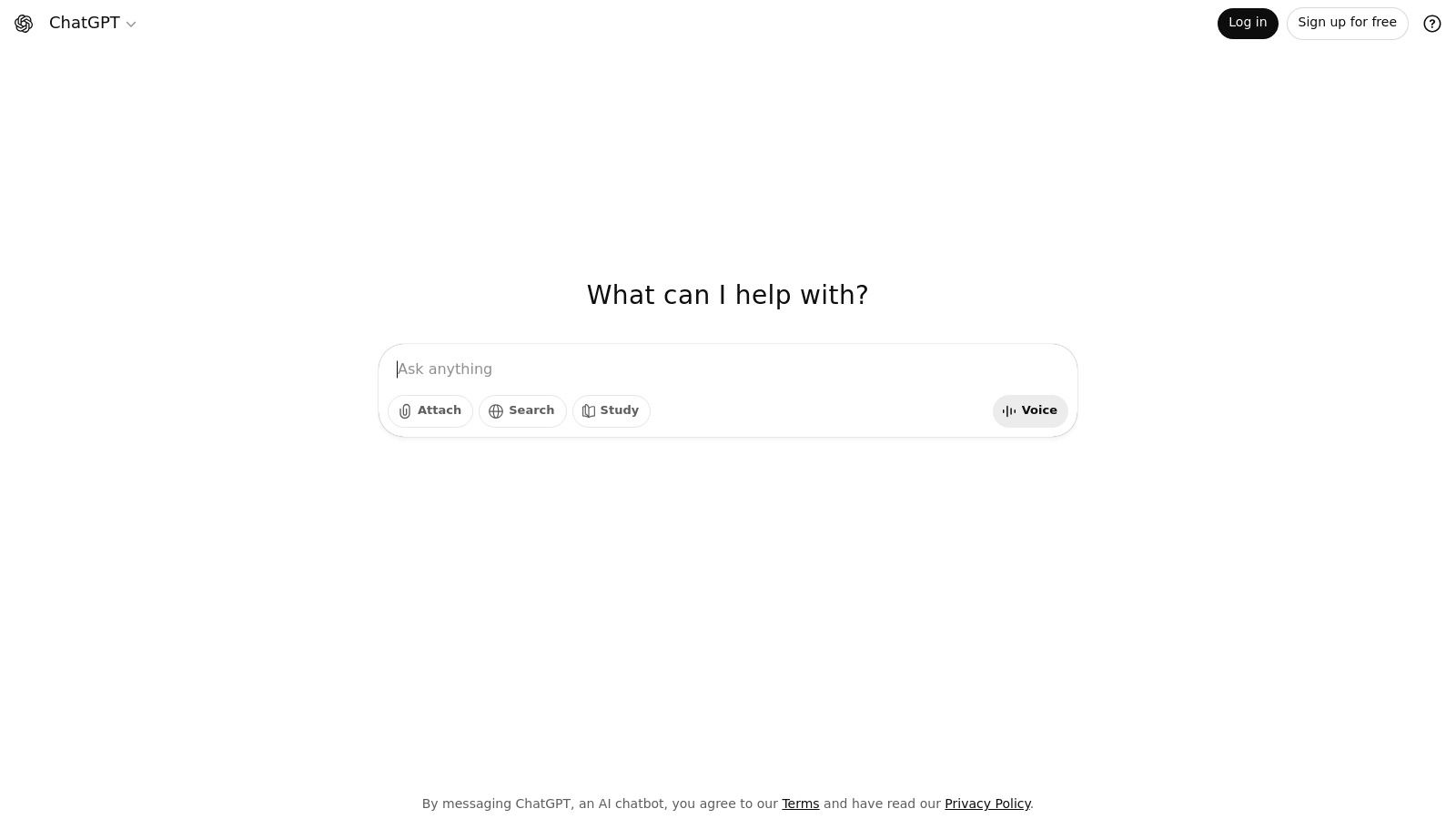
The platform's multimodal input is a significant advantage. You can upload an image of a difficult math problem, a PDF of lecture notes, or even use voice commands to ask questions, making it a highly flexible tool. While it excels as a generalist, its vast ecosystem of custom GPTs allows for specialization, letting you find or create bots tailored to specific subjects like chemistry or literature.
Key Features & User Experience
ChatGPT's interface is clean and straightforward, focusing on the chat dialogue. The free version is powerful, but ChatGPT Plus ($20/month) unlocks access to the more advanced GPT-4 model, faster response times, and features like file analysis and web browsing. Learn more about how to get the most out of AI for homework assistance.
Best For: Students needing a highly versatile, conversational AI study tool for a wide range of subjects, from humanities essays to coding help.
- Pros:
- Excellent conversational and reasoning skills across many domains.
- Multimodal inputs (text, voice, image, file uploads) add flexibility.
- Large ecosystem of custom GPTs for specialized tasks.
- Cons:
- Free version can be slow during peak times.
- Requires careful fact-checking, as it can occasionally provide incorrect information.
Website: https://chat.openai.com
3. Google One AI plans (Gemini Advanced) + NotebookLM
For students already embedded in the Google ecosystem, upgrading to a Google One AI plan is a logical and powerful step. This isn't just one tool but a suite that integrates Google's most advanced AI, Gemini Advanced, directly into the apps you likely use daily. It excels at writing assistance in Google Docs, research, and tackling complex logic, math, and coding problems, making it a highly effective academic assistant.

The real standout for focused studying is the included NotebookLM. This platform lets you upload your own course materials, like lecture slides, PDFs, and even Google Docs, creating a personalized AI model grounded in your specific class content. You can ask it to generate study guides, summarize key themes from a lecture, or create practice questions based solely on your professor's notes, ensuring the information is always relevant.
Key Features & User Experience
Google's approach is about seamless integration. The AI features appear within familiar interfaces like Gmail and Docs, reducing the learning curve. NotebookLM offers a clean, source-focused workspace. The AI Premium plan (starting around $19.99/month, though prices vary) includes Gemini Advanced, NotebookLM, 2TB of cloud storage, and other perks. Frequent discounts and carrier bundles can make this an excellent value.
Best For: Students heavily invested in the Google Workspace ecosystem who need an AI that studies with their own course materials.
- Pros:
- Tight integration with Google Docs, Gmail, and other widely used student tools.
- NotebookLM is excellent for creating source-grounded study aids from your own files.
- Plans often include significant cloud storage and partner discounts.
- Cons:
- The best and most useful features are locked behind a paid subscription.
- Plan names and included features have changed, which can be confusing for new users.
Website: https://one.google.com
4. Perplexity AI
For students who need to anchor their learning in verifiable sources, Perplexity AI functions as a powerful "conversational search engine." Its primary distinction is that every answer it provides is backed by citations, allowing you to directly trace information back to its source. This makes it an invaluable tool for research papers, literature reviews, and fact-checking, ensuring academic integrity.
Unlike generalist chatbots, Perplexity’s core function is to synthesize information from the web and present it with clear attribution. Students can ask it complex questions and receive a summarized response complete with numbered sources, which can be clicked to explore further. The Pro plan enhances this by allowing file uploads (like PDFs or CSVs) and even ingestion from Google Drive, turning your course materials into a searchable, citable knowledge base.
Key Features & User Experience
Perplexity AI offers a clean, search-focused interface that is simple to navigate. The free version is highly capable for general research, while the Pro plan ($20/month, with student and educator discounts often available) unlocks higher usage limits and access to more powerful AI models like GPT-4 and Claude 3. Its "Focus" feature lets you narrow searches to specific domains like academic papers or YouTube, making it a highly efficient research assistant.
Best For: Students and researchers who prioritize source verification and need a tool to quickly synthesize information from academic papers and web sources for essays and reports.
- Pros:
- Excellent for research as all answers are backed by clear citations.
- Simple, intuitive interface with strong mobile app support.
- Offers student and educator pricing options for its Pro plan.
- Cons:
- Less conversational or creative compared to other chatbots.
- Advanced features like file uploads and model selection require a paid subscription.
Website: https://www.perplexity.ai
5. Khan Academy’s Khanmigo
For learners seeking a guided and pedagogically sound AI experience, Khanmigo stands out. Built by the trusted non-profit Khan Academy, this tool is less of an open-ended chatbot and more of a structured AI tutor. It’s designed to guide students toward answers rather than simply providing them, making it an exceptional tool for building genuine understanding, especially in core subjects like math, science, and humanities.
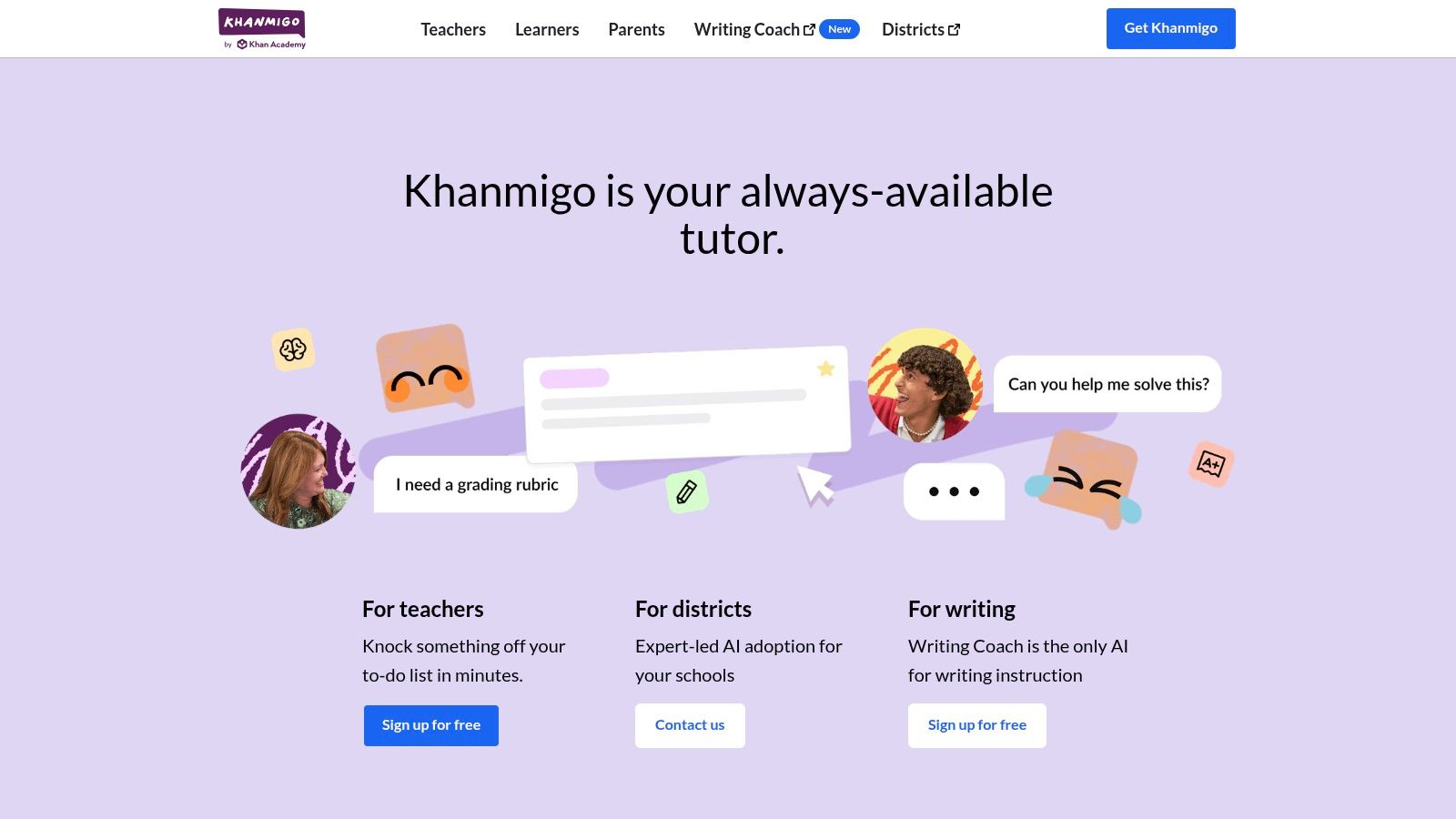
Khanmigo integrates directly with Khan Academy’s extensive library of practice problems and educational content. When a student gets stuck, the AI provides Socratic-style hints and step-by-step guidance. It also offers features like structured writing feedback, debate prompts to develop critical thinking, and coding practice, all within a safe, education-focused environment. This makes it a uniquely effective and responsible best ai study tool for younger students.
Key Features & User Experience
The interface is seamlessly woven into the familiar Khan Academy platform, making it intuitive for existing users. Khanmigo for Learners is available for a donation of $4 per month or $44 per year. It is also available for free to U.S. teachers, who gain access to special dashboards for classroom use. Full access requires a Khan Academy account, ensuring the experience is contained and focused.
Best For: K-12 and early college students who need structured, curriculum-aligned tutoring with strong pedagogical guardrails, particularly in STEM subjects.
- Pros:
- Strong pedagogy and education-first safety guardrails.
- Affordable learner pricing and free tools for U.S. teachers.
- Integrates perfectly with Khan Academy’s vast practice resources.
- Cons:
- Coverage is strongest for core subjects; less breadth than general LLMs.
- Requires a Khan Academy account for full access.
Website: https://www.khanmigo.ai
6. Quizlet
A long-standing favorite for digital flashcards and memorization, Quizlet has evolved into a powerful AI study tool by integrating intelligent features into its proven platform. It excels at turning class materials into dynamic study sessions, using AI to generate practice questions, create adaptive study plans, and provide contextual explanations. This makes it ideal for mastering vocabulary, key terms, and foundational concepts across a vast range of subjects.
The platform’s greatest strength is its massive library of community-generated study sets, which users can leverage instantly. The AI features, like Magic Notes and Q-Chat, transform these simple sets into interactive tutoring experiences. The AI can automatically build tests based on your weak spots, helping you focus your efforts where they're needed most for efficient exam preparation.
Key Features & User Experience
Quizlet’s interface is clean, mobile-friendly, and centered around its flashcard sets and study modes. While a free version is available with ads, the full AI-powered features are unlocked with the Quizlet Plus subscription (around $36/year). This plan removes ads, offers unlimited access to expert explanations, and provides advanced creation tools.
Best For: Students who rely on active recall, spaced repetition, and flashcard-based learning to prepare for exams, especially in subjects heavy on terminology and facts.
- Pros:
- Excellent for test prep and memorization with proven study modes.
- Huge library of community-created sets covering nearly any subject.
- AI-powered practice tests adapt to your performance.
- Cons:
- Core AI features are behind the Plus subscription paywall.
- Quality can vary significantly across user-generated content.
Website: https://quizlet.com
7. Grammarly (Grammarly Pro)
While not a direct subject tutor, Grammarly is an indispensable AI study tool for perfecting the final output of your work. It goes far beyond a simple spell checker, acting as a sophisticated writing assistant that helps clarify arguments, refine tone, and ensure your academic papers, essays, and lab reports are polished and professional. Its strength lies in making your existing knowledge and research shine through clear, concise, and grammatically correct writing.
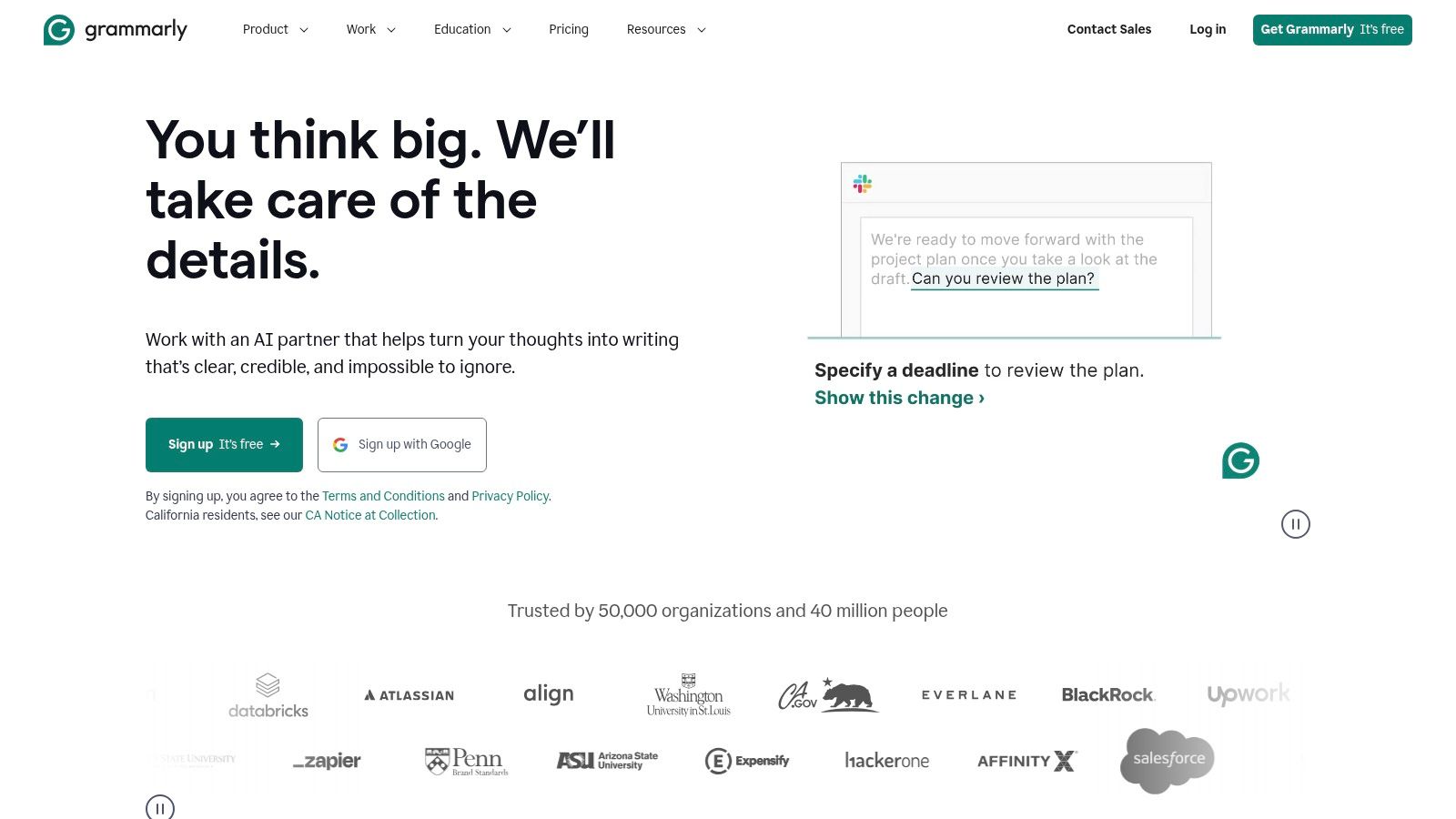
The platform integrates seamlessly into the tools students already use, including Google Docs, Microsoft Word, and web browsers. This means you get real-time feedback where you write. With the introduction of Grammarly Pro, it now includes advanced AI features like citation formatting, plagiarism detection, and AI "agents" that provide targeted feedback for academic-style writing, making it a comprehensive solution for any written assignment.
Key Features & User Experience
Grammarly’s interface is intuitive, highlighting suggestions directly in your text for easy review. The free version covers critical grammar and spelling, but the Pro plan unlocks advanced features crucial for academic success, like clarity rewrites and tone adjustments. For more details on its features and how it can assist with your writing, you can refer to its dedicated Grammarly product page.
Best For: High school and college students who need to improve the quality, clarity, and professionalism of their written assignments across all subjects.
- Pros:
- Vastly improves writing quality, grammar, and clarity.
- Integrates directly into browsers, MS Word, and Google Docs.
- Includes essential academic tools like plagiarism and citation checks.
- Cons:
- Functions as a writing aid, not a subject matter expert or research tool.
- Recent rebranding to Grammarly Pro may create temporary confusion.
Website: https://www.grammarly.com
8. Microsoft 365 with Copilot
For students already living within the Microsoft ecosystem, Copilot integrates powerful AI directly into the apps they use every day like Word, PowerPoint, and Excel. Its strength lies in its seamless workflow integration, transforming familiar software into an intelligent study assistant. You can ask it to draft an essay outline with citations directly in Word, generate an entire slide deck from a document in PowerPoint, or analyze data for a lab report in Excel.
This deep integration makes it a uniquely powerful tool for creating polished, high-quality academic work. Instead of toggling between different apps, students can summarize meeting notes in Outlook, transform them into a presentation, and use Excel to create supporting charts, all guided by the same AI assistant. This context-aware capability makes it a top-tier best ai study tool for productivity.
Key Features & User Experience
Copilot's user experience is designed to be unobtrusive, appearing as a helpful sidebar or prompt within the Office applications. Access requires a paid Microsoft 365 Personal or Family subscription, with Copilot Pro available as an additional add-on for $20/month per user. This unlocks priority access and enhanced features across the suite, including cloud storage and enterprise-grade security.
Best For: Students heavily invested in the Microsoft Office suite who need AI assistance for creating documents, presentations, and analyzing data for quantitative classes.
- Pros:
- Seamless integration inside widely used Office apps like Word and Excel.
- Excellent for presentation prep and quantitative data analysis.
- Includes robust cloud storage and enterprise-grade security.
- Cons:
- The best features require a paid Microsoft 365 plan plus a Copilot subscription.
- Plan names and features can change, requiring users to verify current offerings.
Website: https://www.microsoft.com/en-us/microsoft-365/copilot-pro
9. Otter.ai
For students who learn best by listening or need to revisit lecture content, Otter.ai is an indispensable AI note-taker. Its core function is to provide real-time transcription for lectures, online classes, and study group discussions. This frees students from the pressure of manual note-taking, allowing them to fully engage with the material being presented while having a perfect, searchable transcript ready for review later.
Otter.ai distinguishes itself by not just transcribing but also making the content intelligent. It automatically identifies different speakers, generates a summary of key points, and highlights important keywords. You can also add your own comments, highlights, and even images directly into the transcript, creating a rich, multimedia study guide from any verbal lesson. It's a powerful tool for improving comprehension and accessibility.
Key Features & User Experience
The platform integrates directly with Zoom, Google Meet, and Microsoft Teams, making it seamless for online learning. The user interface is clean, displaying the live transcript alongside tools for collaboration and annotation. The free plan is suitable for occasional use, but students will likely need a paid plan (starting at $16.99/month, with education discounts available) for longer lectures and more extensive features.
Best For: Auditory learners and students in lecture-heavy courses who need to capture every detail without sacrificing focus.
- Pros:
- Saves significant time on note-taking and improves lecture review quality.
- Highly accurate transcription with useful collaboration and summary features.
- Offers fair student and teacher pricing with a .edu email verification.
- Cons:
- Paid plans are necessary for longer meetings and higher usage limits.
- Users must be mindful of consent and institutional rules regarding recording.
Website: https://otter.ai
10. Wolfram|Alpha Pro
Wolfram|Alpha is less of a conversational AI and more of a computational knowledge engine, making it a powerhouse for STEM-focused students. Instead of generating creative text, it computes answers to factual queries using its vast repository of curated data and algorithms. This makes it an incredibly reliable tool for math, physics, chemistry, and engineering, where precision and accuracy are paramount. Students can input complex equations, data sets, or scientific questions and receive expert-level, step-by-step solutions.
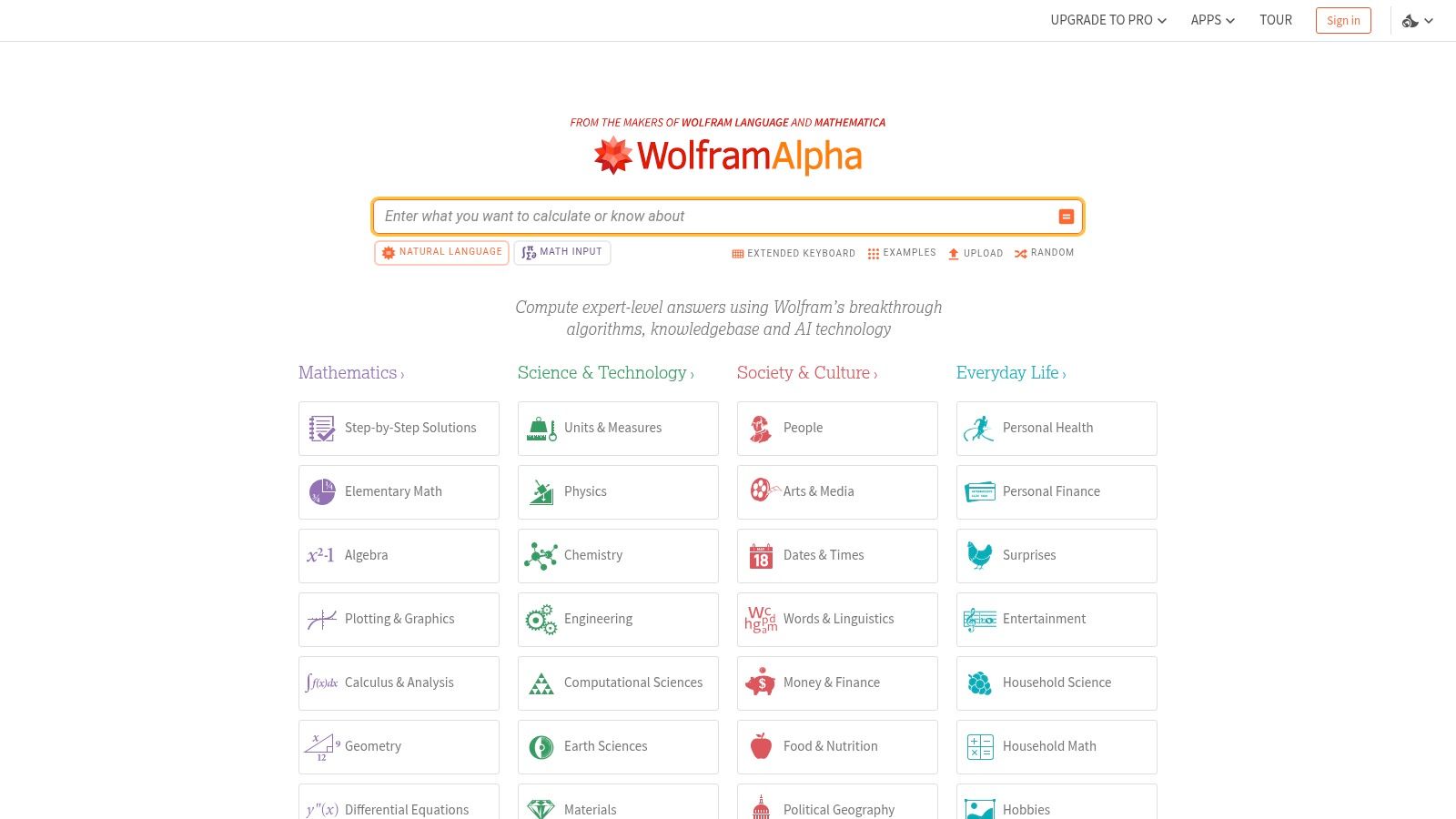
The platform shines by not just giving you the answer but showing you how it got there. The Pro version unlocks detailed, step-by-step solution breakdowns, guided practice problems, and the ability to upload files for analysis. This focus on methodology makes it an exceptional learning aid for understanding the process behind solving complex problems, rather than just getting the final result. It’s an indispensable resource for checking homework and deeply understanding quantitative subjects.
Key Features & User Experience
The interface is function-driven, centered around a single input bar where you type your query. It's built for precision, not conversation. Wolfram|Alpha Pro unlocks its full educational potential with plans starting around $5/month for students. This upgrade provides extended computation time, interactive features, and support for photo input via the mobile app, allowing you to snap a picture of a problem and have it solved.
Best For: STEM students (high school through university) who need a reliable, accurate tool for solving complex computational problems and learning the step-by-step methods.
- Pros:
- Extremely strong for STEM computations and method learning.
- Teaches solution methods rather than only giving answers.
- Affordable student pricing options.
- Cons:
- Less suited for open-ended writing or humanities work.
- Requires precise inputs to get the best results.
Website: https://www.wolframalpha.com
11. Photomath
For students who find themselves stuck on complex math problems, Photomath acts as a pocket-sized digital tutor. It has perfected the camera-first approach to problem-solving, allowing you to simply point your phone at a handwritten or printed math equation. The app instantly recognizes the problem and provides a detailed, step-by-step breakdown of the solution, making it an invaluable tool for homework help and concept reinforcement.
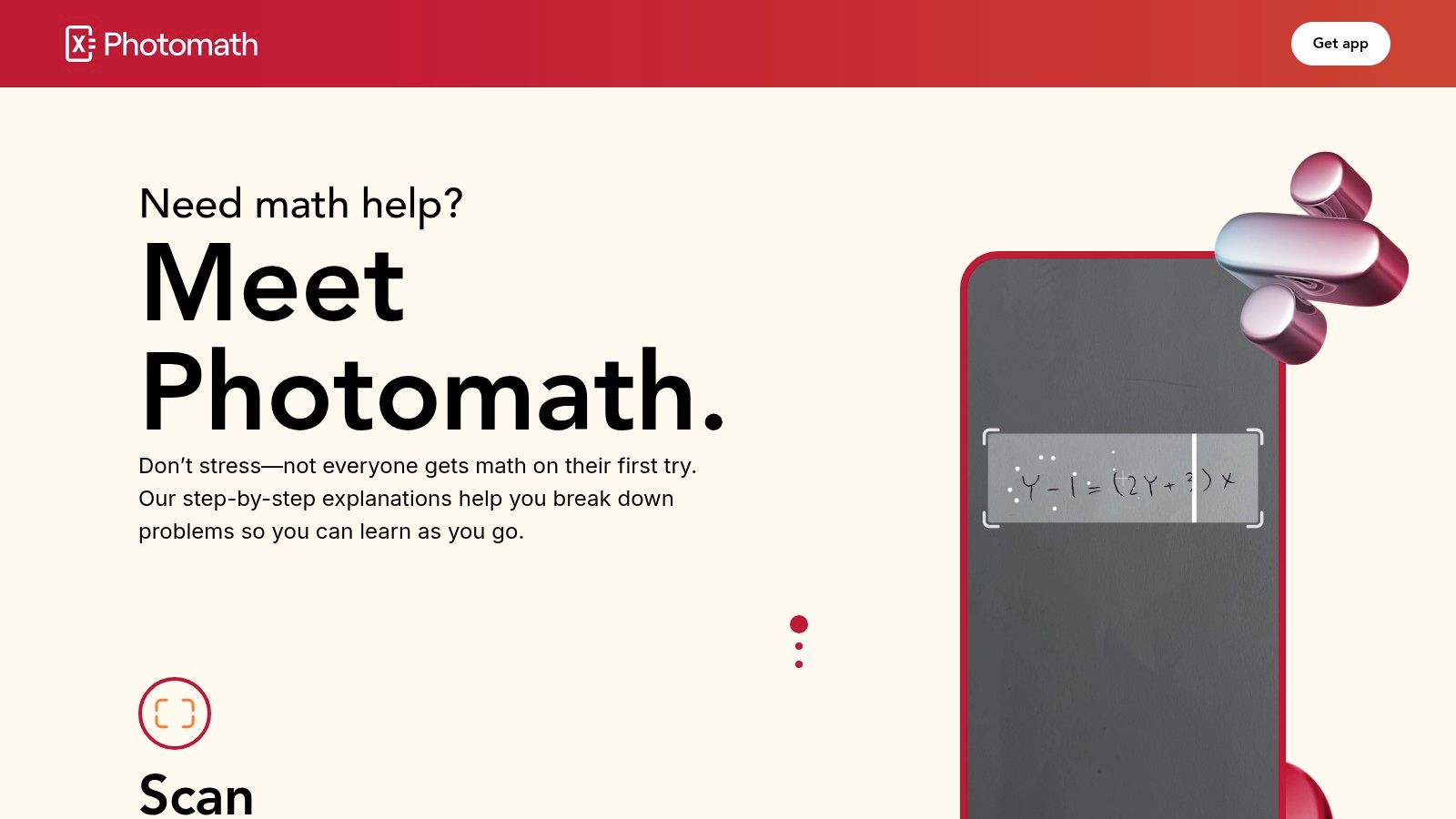
What makes Photomath stand out is its focus on pedagogy. Instead of just giving an answer, it offers animated explanations that visualize each step and often provides multiple solution methods. This empowers students to understand the underlying logic rather than just copying the final result. Its offline functionality for basic problems adds a layer of convenience that many other apps lack.
Key Features & User Experience
The user interface is incredibly intuitive, centered around the camera function for a frictionless experience. While the core features are free, a Photomath Plus subscription (prices vary by region) unlocks more in-depth explanations, animated tutorials, and textbook-specific solutions. This AI study tool is a fantastic resource, but for a broader look at AI's role in mathematics, you can learn more about how an AI math solver can assist your studies.
Best For: Middle school, high school, and early college students needing instant, step-by-step guidance for algebra, calculus, and other math subjects.
- Pros:
- Fast and highly accurate camera capture for equations.
- Clear, animated step-by-step explanations help with learning.
- Useful offline functionality for certain features.
- Cons:
- Strictly limited to mathematics; no other subjects are supported.
- Can lead to over-reliance if not used as a supplementary learning aid.
Website: https://photomath.com
12. Readwise Reader
Readwise Reader transforms the often-passive act of reading into an active study session. It functions as an all-in-one reading inbox that pulls in web articles, academic PDFs, and Kindle highlights, creating a centralized library. Its AI capabilities then help you engage deeply with the material by generating summaries, Q&A, and flashcards directly from your texts, making it a powerful tool for comprehension and long-term retention.
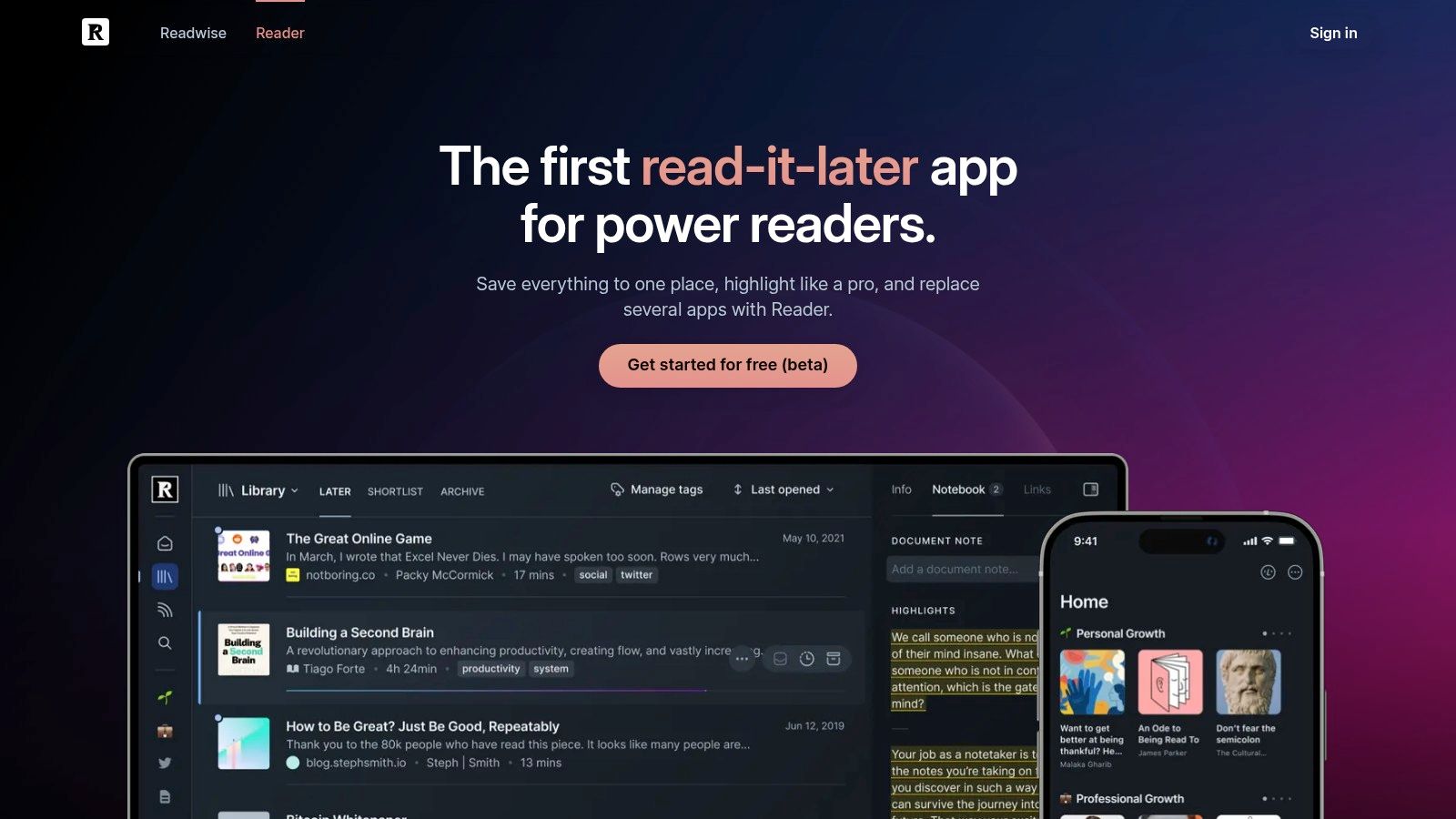
This platform excels in research-heavy workflows, allowing students to consolidate sources and use AI to extract key insights without juggling multiple apps. The integration of spaced repetition for flashcards ensures that important concepts from your readings are reviewed at optimal intervals, cementing them in your memory. This makes it more than just a reader; it's a complete system for learning from written content.
Key Features & User Experience
The interface is clean and designed for focused reading and annotation. It offers powerful export options to popular note-taking apps like Notion and Obsidian. The full suite costs $7.99/month, but students can request a 50% academic discount, making it a highly accessible option. Discover more about the benefits of a dedicated AI PDF summarizer.
Best For: Students in research-intensive courses who need to synthesize information from many articles and retain it for the long term.
- Pros:
- Excellent for building comprehension and retention from reading materials.
- Strong integrations centralize study and research workflows.
- Generous 50% academic discount makes it very affordable.
- Cons:
- Not a general-purpose AI tutor; it is focused on your reading list.
- Provides the most value when fully adopted as your primary reading app.
Website: https://readwise.io/reader
Top 12 AI Study Tools — Feature Comparison
| Tool | Core focus | Key features / Unique selling points | UX & quality | Best for | Price & value |
|---|---|---|---|---|---|
| Feen AI | AI homework helper across STEM & essays | Image/PDF uploads, unified chat, step-by-step solutions, PDF summarizer | Low-friction UI, preserved conversational context, quick sign-in | High school & college students, tutors, parents | Pricing not publicly listed; value: broad subject + multimodal input |
| ChatGPT (OpenAI) | General-purpose conversational tutor | Multimodal chat, custom GPTs, file uploads, web-aware modes | Strong reasoning, frequent updates, cross-device | Broad learners, coding, research, study copilot | Free tier with limits; paid tiers for faster/higher-capacity models |
| Google One AI + NotebookLM | Workspace-integrated research & study tools | Gemini Advanced, NotebookLM (PDF Q&A), Drive/Docs integration, cloud storage | Source-grounded notes, tight Google app integration | Students using Google Workspace, research from personal files | Subscription bundles; best features behind paid plans |
| Perplexity AI | Research-first answers with citations | Citation-backed responses, web summaries, Drive ingestion, collaboration Spaces | Clean interface, strong mobile apps, source citations | Research, source-required homework, literature surveys | Free basic; Pro/Enterprise for advanced models and limits |
| Khan Academy Khanmigo | Curriculum-aligned educational tutor | Step-by-step math/science, coding practice, teacher dashboards | Pedagogical guardrails, education-first safety | K–12 learners, classroom teachers, intro college | Affordable learner pricing; free teacher tools (US) |
| Quizlet | Practice & spaced-repetition study platform | AI-generated practice, adaptive study modes, large flashcard library | Fast test-prep workflows, familiar UI | Vocabulary, memorization, exam drills | Free basic; Plus subscription for ad-free/unlimited features |
| Grammarly (Pro) | Writing quality & academic polish | Grammar/tone fixes, citation formatting, plagiarism check, integrations | Strong inline suggestions across apps | Essays, lab reports, applications, editing | Subscription (Grammarly Pro); frequent student discounts |
| Microsoft 365 + Copilot | Office-embedded AI assistant | Drafting with citations, slide generation, Excel analysis, Outlook summaries | Seamless in Word/Excel/PowerPoint used by schools | Presentations, data analysis, note drafting | Requires Microsoft 365 plan; Copilot access may need extra licensing |
| Otter.ai | Lecture transcription & searchable notes | Live transcription, speaker ID, auto-summaries, highlights | Accurate ASR, useful collaboration features | Lecture capture, study groups, accessibility needs | Free tier; paid plans for longer meetings and higher limits |
| Wolfram | Alpha Pro | Computational engine for STEM | Step-by-step solutions, guided calculators, photo input | Excellent for precise STEM computation and methods | Math/physics/chemistry students checking work |
| Photomath | Camera-first math solver | OCR capture, animated steps, multiple solution methods, offline modes | Fast, effortless camera input, clear step animations | Middle school to college algebra/calculus homework | App-store subscription for premium features |
| Readwise Reader | Reading inbox + retention study space | AI summaries, Q&A, flashcards, spaced-repetition exports | Centralizes readings, strong integrations (Notion/Obsidian) | Research, comprehension, long-form study workflows | Paid plans; academic discount available on request |
Making Your Choice: Which AI Study Tool Is Right for You?
We've navigated the expansive landscape of AI-powered learning, from comprehensive platforms to highly specialized assistants. The journey from traditional study methods to AI-enhanced learning is transformative, but the sheer number of options can feel overwhelming. The central takeaway is this: there is no single, universally "best ai study tool" for every person. The ideal choice is deeply personal, hinging on your specific academic needs, learning style, and budget.
The key to a successful integration of AI into your study routine is self-assessment. Before you commit to a subscription or download an app, take a moment to pinpoint your biggest academic friction points. Are you spending hours deciphering dense textbook chapters? Do complex calculus problems consistently trip you up? Or is your primary challenge organizing research notes and citations for a major paper? Your answer will illuminate the path forward.
A Quick Recap for Targeted Needs
Let's distill our findings into a simple decision-making framework. This summary can help you match your primary challenge with the most effective tool we've reviewed.
- For the All-in-One Power User: If you need a single, unified platform that excels at summarizing PDFs, solving multi-step STEM problems from a photo, and drafting essays, Feen AI is engineered for this exact purpose. Its strength lies in its versatility and streamlined workflow, eliminating the need to juggle multiple apps.
- For Deep, Cited Research: Students working on literature reviews or research-heavy projects will find Perplexity AI indispensable. Its ability to synthesize information from academic sources and provide clear citations is its defining feature.
- For Writing Perfection: If your goal is to produce clear, concise, and grammatically flawless essays and reports, Grammarly Pro remains the gold standard. Its comprehensive feedback on tone, clarity, and style is unmatched.
- For Guided Learning and Practice: For those who learn best through Socratic dialogue and structured exercises, Khanmigo offers a pedagogically sound approach. Similarly, Quizlet’s AI features provide an excellent way to create and master flashcards and practice tests.
- For Specialized STEM and Math: When you need authoritative, step-by-step solutions for advanced mathematics and computational science, Wolfram|Alpha Pro and Photomath are the specialists. They provide precision where generalist tools might falter.
Integrating AI Thoughtfully and Ethically
Choosing the best AI study tool is only the first step; using it effectively and ethically is paramount. Remember that these tools are designed to be your co-pilot, not your auto-pilot. They should augment your understanding, not replace the critical thinking process. Always verify AI-generated information, especially facts, figures, and citations, against primary sources.
Use AI to brainstorm ideas, create outlines, and check your work, but ensure the final product reflects your own voice and intellectual effort. Understanding your institution's academic integrity policies regarding AI is non-negotiable. Transparent and responsible use will not only prevent academic misconduct but will also genuinely enhance your learning and knowledge retention.
Ultimately, the right AI tool will feel less like a shortcut and more like a super-powered tutor, available 24/7. It can help you break through mental blocks, clarify confusing concepts, and manage your time more efficiently, freeing you up to focus on deeper learning and true comprehension. By aligning a tool’s core strengths with your academic goals, you transform a piece of software into a cornerstone of your success.
Ready to stop switching between different apps for homework, research, and writing? See how Feen AI combines the power of a PDF summarizer, a math problem solver, and an intelligent chatbot into one seamless experience. Start studying smarter, not just harder, by visiting Feen AI and trying the all-in-one tool designed for modern students.
Relevant articles
Discover how to use AI for studying with proven strategies that actually work. Learn to leverage AI study tools to ace exams and understand complex topics.

Discover how AI powered study tools are changing education. Learn how to choose the right AI helper, use it ethically, and study smarter for any subject.

Discover how using AI to help with homework can transform your study habits. Learn ethical strategies, practical tips, and how to use AI for real learning.